

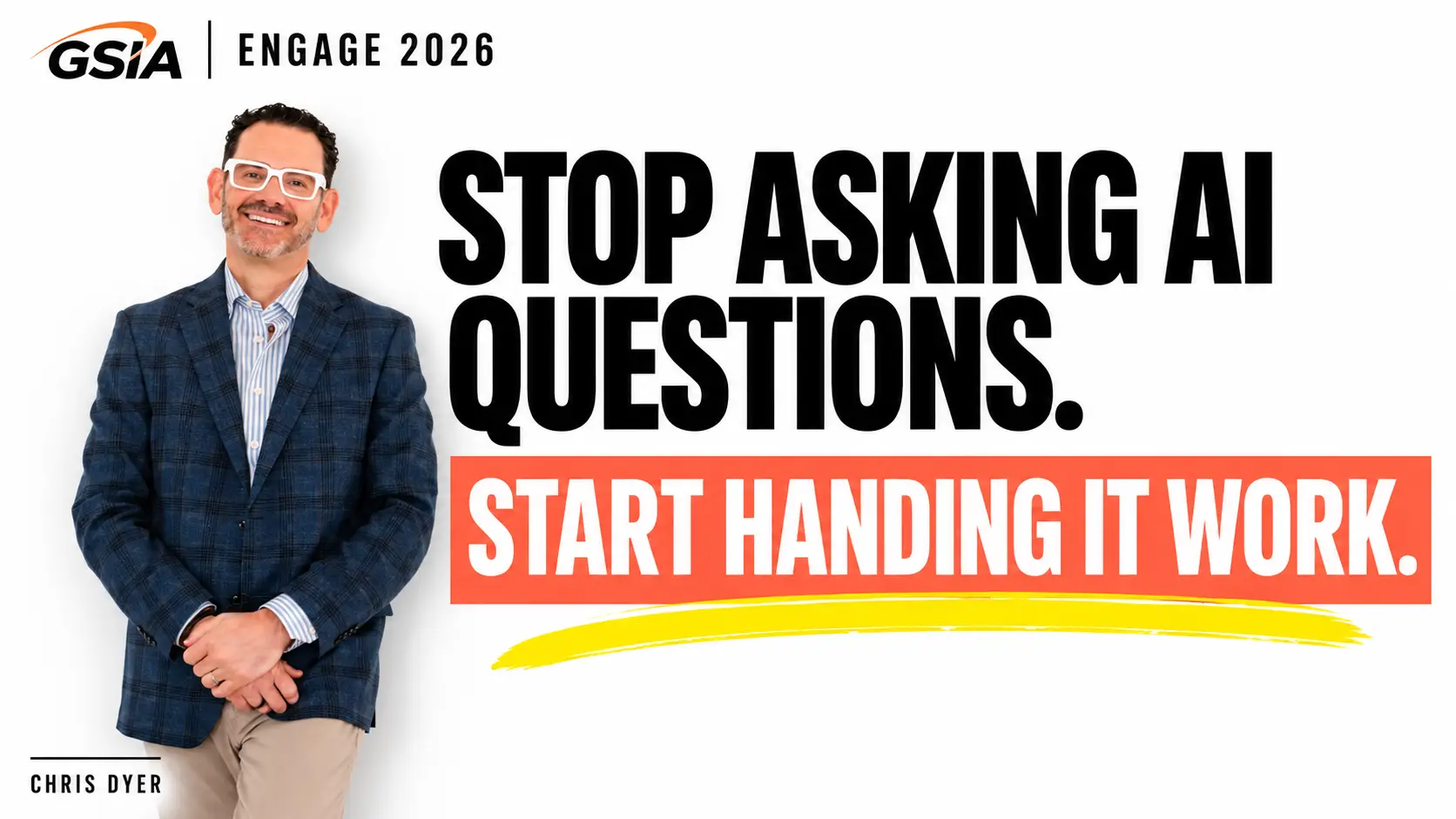
GSIA ENGAGE 2026 · Los Angeles · Friday, November 6
Every prompt from the session, ready to paste. Each task has a Build-it-with-me box: paste it into a chat, answer a few questions, and the AI writes your finished task. They live in one Google Doc so they stay current when the platforms change. The printed workbook shows you how.
What is in it
- The platform table: ChatGPT, Claude, and Gemini, with current prices and what each can do inside a scheduled task
- Your AI folder: the six files, with fill-in templates
- The Voice Profile builder
- All fourteen task prompts: Find, Follow, File
- Cheat sheets, and the fixes when a task breaks
Look Chris up from your own AI
Fees, bios, all five keynotes, reels, AV, testimonials, past clients, and the full text of three books. Ask it “would Chris fit a manufacturing sales conference” and it comes back with the fit, the program, the reel, and the fee lines.
The connector (Claude or ChatGPT). Claude: Settings, Connectors, Add custom connector. Name it Chris Dyer, paste the link, click Connect. ChatGPT: Settings, Apps and connectors, Create, paste the same link.
https://chrisdyer-mcp.onrender.com/mcp/VSegNQf_INwAG7ho9WnCIHyxC8K3P-BT
The Chris Dyer GPT (ChatGPT only, no setup). Open it and type “fit check,” then paste the event details.
https://chatgpt.com/g/g-68af284778b4819187dfc897b9cc7f53-chris-dyer-agentgpt
Stuck on setup? chris@chrisdyer.com