

Virtual Keynote Speaker Best Practices: How to Choose and Deliver Effectively
A good virtual keynote speaker isn’t just someone who can talk into a camera. They’re someone who understands that a screen flattens presence, that attention spans compress online, and that technical hiccups can tank momentum faster than any bad joke. The difference between a virtual speaker who lands and one who gets half-watched while people check email comes down to three things: their actual presence on camera, their willingness to build in real interaction, and whether they’ve actually done this before.
What Makes a Virtual Keynote Different From an In-Person One?
In-person, a speaker can work a room. They move, they read the energy, they adjust. Virtual flips that script. Your audience is fractured across dozens of screens, many of them half-watching. The camera is unforgiving about energy, what feels natural in a room can read as flat on screen. And the technical layer matters in a way it never does live. A speaker who’s great on stage but doesn’t know how to frame themselves in a camera, manage their lighting, or work with a producer to keep pacing tight will lose people fast.
The best virtual speakers treat the format as its own thing, not a downgrade of the in-person experience. They know their camera angles. They pause longer than they would live because the medium needs it. They build in polls, breakouts, or live chat moments because passive watching doesn’t stick. They’ve done this enough times that they’re not fighting the technology, they’re using it.
How Do You Evaluate a Virtual Keynote Speaker?
Start by asking to see footage. Not a highlight reel. Actual full recordings of virtual events they’ve delivered. Watch for three things: Do they hold your attention even when you’re not forced to? Does the pacing feel intentional or does it drag? Are they interacting with the audience or just performing at them?
Ask about their technical setup. Do they have a producer? Do they work with your AV team beforehand or do they show up cold? Do they understand breakout rooms, Q&A formats, and how to handle the inevitable tech glitch without losing their footing? A speaker who’s done fifty virtual events will have a checklist. A speaker doing their first five will wing it.
Check their experience with your industry or your specific challenge. A leadership keynote speaker needs to understand what leadership actually looks like in your world. A speaker who specializes in company culture should be able to speak to the real friction points you’re facing, not generic platitudes about engagement. If they’ve worked with similar companies or similar challenges, they’ll land harder and faster.
References matter. Ask for three companies similar to yours that they’ve spoken to, and actually call them. Ask: Did the speaker deliver what was promised? Did the audience stay engaged? Would you book them again? Those conversations will tell you more than any website copy.
What Technical Setup Do You Actually Need?
This depends on your event size and your budget, but the baseline is non-negotiable. You need a producer, someone whose only job is managing the technical side while the speaker speaks. That person monitors audio, manages camera, handles chat or Q&A, and troubleshoots if something breaks. Without a producer, your speaker is fighting the platform instead of connecting with your audience.
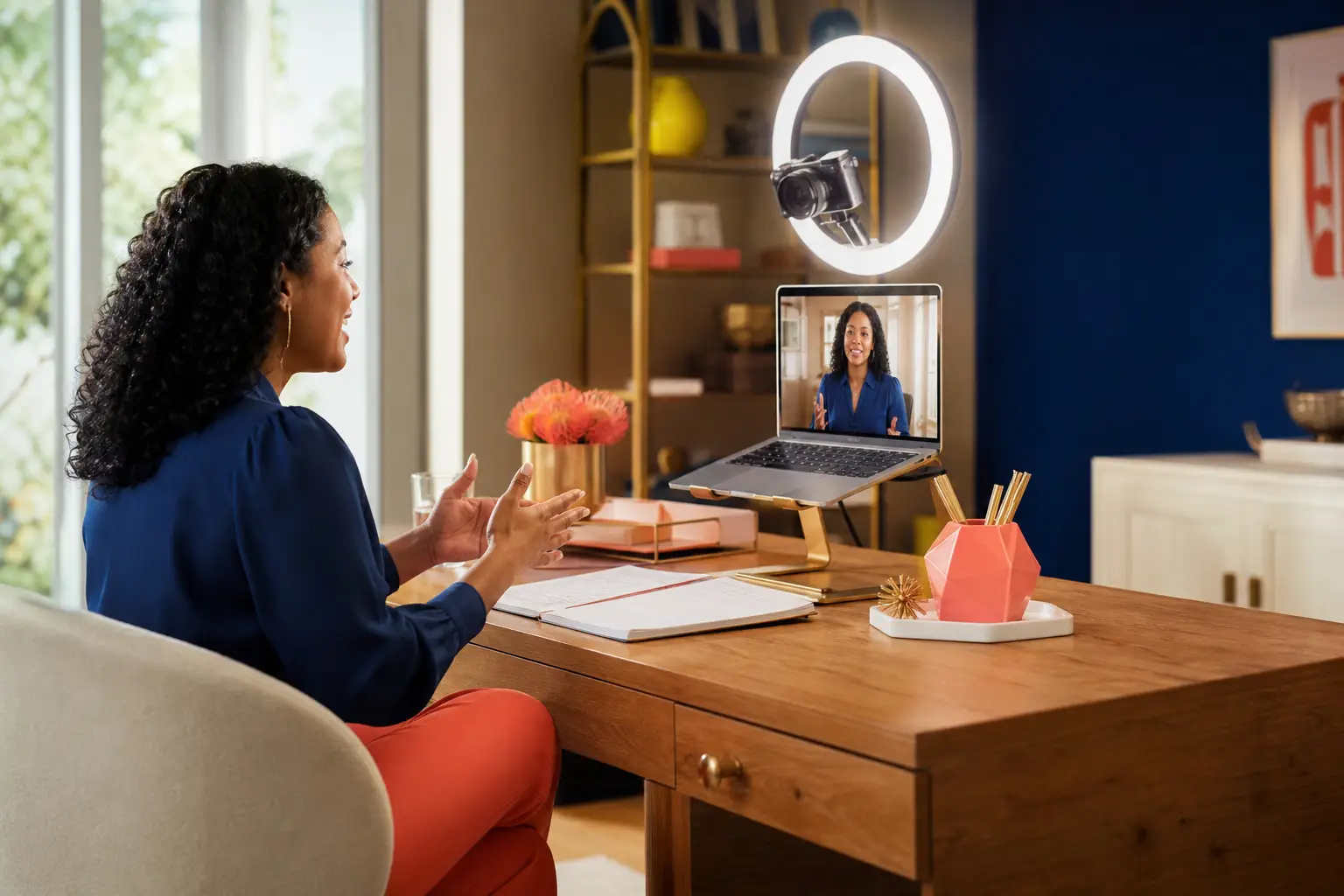
Your speaker needs a stable internet connection, ideally hardwired, not WiFi. They need a camera that’s at eye level, not looking up or down. They need lighting that doesn’t wash them out. These sound basic, but most virtual events fail because someone is backlit by a window or sitting too close to the camera or has a connection that keeps pixelating.
You need a platform that works for your audience size. Zoom is fine for smaller groups. For larger events, you might want something that handles breakouts better or has better engagement tools. Ask your speaker what they prefer and what they’ve had success with. They’ll know what works.
Run a tech check at least two days before the event. Not thirty minutes before. Two days. That gives you time to fix something if it breaks. Have your speaker, your producer, and someone from your AV team on that call. Walk through every transition, every visual, every interactive element. The smoother that runs, the smoother your actual event will be.
How Do You Keep People Actually Engaged?
Passive watching doesn’t work. People will tune out. So your speaker and your producer need a plan to pull people in. That might look like a poll in the first five minutes. A breakout room discussion halfway through. A live Q&A at the end. Chat interaction woven throughout. The format depends on your event, but the principle is the same: give people a reason to stay present.
A good speaker will build this into their talk naturally. They’re not bolting on engagement as an afterthought. They’re structuring the whole thing around moments where the audience has to participate. That’s the difference between a talk that people sit through and a talk that lands.
Pacing matters more online than it does live. A speaker who’s used to a twenty-minute segment might need to break it into three seven-minute chunks with interaction in between. Attention doesn’t hold the same way on screen. A speaker who understands this will keep the energy up and the momentum real.
Think about your audience’s context too. If they’re joining from their desks, they’re distracted. If they’re in a conference room together, the energy is different. A good speaker will ask about this beforehand and adjust accordingly. If your team is joining from home, they need more interaction and shorter segments. If they’re together, you can push a bit longer.
What Should You Ask a Speaker Before You Book?
Ask about their cancellation policy. Ask if they provide slides or materials afterward. Ask how they handle a room that’s not engaged, do they have a backup plan? Ask what they need from you to succeed. Some speakers are high-maintenance and need a producer, a tech run-through, and a full briefing. Others are more flexible. Know what you’re getting into.
Ask about their approach to making virtual meetings efficient and engaging. Do they have a philosophy about this? Have they worked with companies on effective communication techniques for virtual teams? If they have a clear point of view and real experience, that’s a good sign.
Ask about their follow-up. Do they provide a recording? Do they offer any resources or worksheets? Do they follow up with attendees? Some speakers treat the event as the end. Others see it as the beginning of a longer conversation. Decide which approach fits your goals.
Be specific about your objectives. Are you trying to shift culture? Energize a sales team? Help leaders think differently about change or AI? The clearer you are about what success looks like, the better a speaker can tailor their talk to actually move the needle for you.
What’s the Difference Between a Good Virtual Speaker and a Great One?
A good speaker delivers content. A great one creates an experience. They show up early, they’re easy to work with, they’re genuinely interested in your company and your challenge. They ask questions. They adapt if something isn’t landing. They treat your team like they matter, not like another gig.
A great speaker also follows up. They send you the recording. They ask how it landed. They offer to do a follow-up session if your team wants to dig deeper. They’re not just collecting a check and moving on. They’re invested in the outcome.
Look for someone with real experience doing this. Someone who’s delivered dozens of virtual keynotes, not someone trying it out. Someone who’s worked with companies like yours. Someone who has a clear point of view about what they do and why it matters. Someone who can speak to your specific challenge, whether that’s leadership, culture, change, or the future of work, with real depth and not just surface-level inspiration.
Frequently Asked Questions
How long should a virtual keynote be?
Most virtual keynotes work best between 45 and 60 minutes, including interaction. Anything longer and attention starts to fracture. If you need more time, break it into segments with breaks in between. A speaker who understands the medium will build their talk to fit the format, not try to cram an hour-long in-person talk into a virtual event.
Should we record the keynote?
Yes. Recording gives people who couldn’t attend a chance to watch, and it gives you a resource to share afterward. Make sure your speaker is comfortable with recording and that you have the rights to use it. Some speakers charge extra for recording rights, so clarify that upfront.
What’s a reasonable budget for a virtual keynote speaker?
It varies widely depending on the speaker’s experience and your company size. A newer speaker might charge $2,000 to $5,000. An established speaker with a track record might be $10,000 to $25,000 or more. You’re paying for experience, results, and the ability to actually move your team. Cheaper isn’t always better. A speaker who’s done this a hundred times will deliver more value than someone trying to build their portfolio.
How do we know if a speaker is the right fit?
Have a conversation with them. Ask about their approach. Ask how they’d handle your specific challenge. Ask for references. Watch their recorded talks. Trust your gut. If they feel like they get what you’re trying to do and they have a clear plan for how to help, they’re probably a good fit. If they’re vague or generic, keep looking.
What if the speaker bombs?
Have a contract that’s clear about expectations. If a speaker doesn’t deliver what was promised, you should have recourse. That said, most issues come down to misaligned expectations. Be clear about what you need. Give the speaker what they need to succeed. And work with a speaker who’s proven they can deliver. That’s your best insurance.